IC Photocopy Template: Front and Back on One A4 Page
Make a neat IC photocopy on A4 without a copier. Add front and back photos, check the layout and download a PDF to print or send. Free, no upload.
Make your IC copy on an A4 template
Add your photos, choose an optional copy mark and check the preview before downloading. Free, no account, and no image uploads. Your document stays on your device.
Add your photos, check the preview, then download. Photos stay in this browser. JPG, PNG and WebP supported.
When someone asks for an "IC copy", they usually expect the front and back of your IC on one A4 sheet, like a photocopy. You do not need a copier or a Word template for that. The tool above is the template: add two photos and it places them neatly on an A4 page.
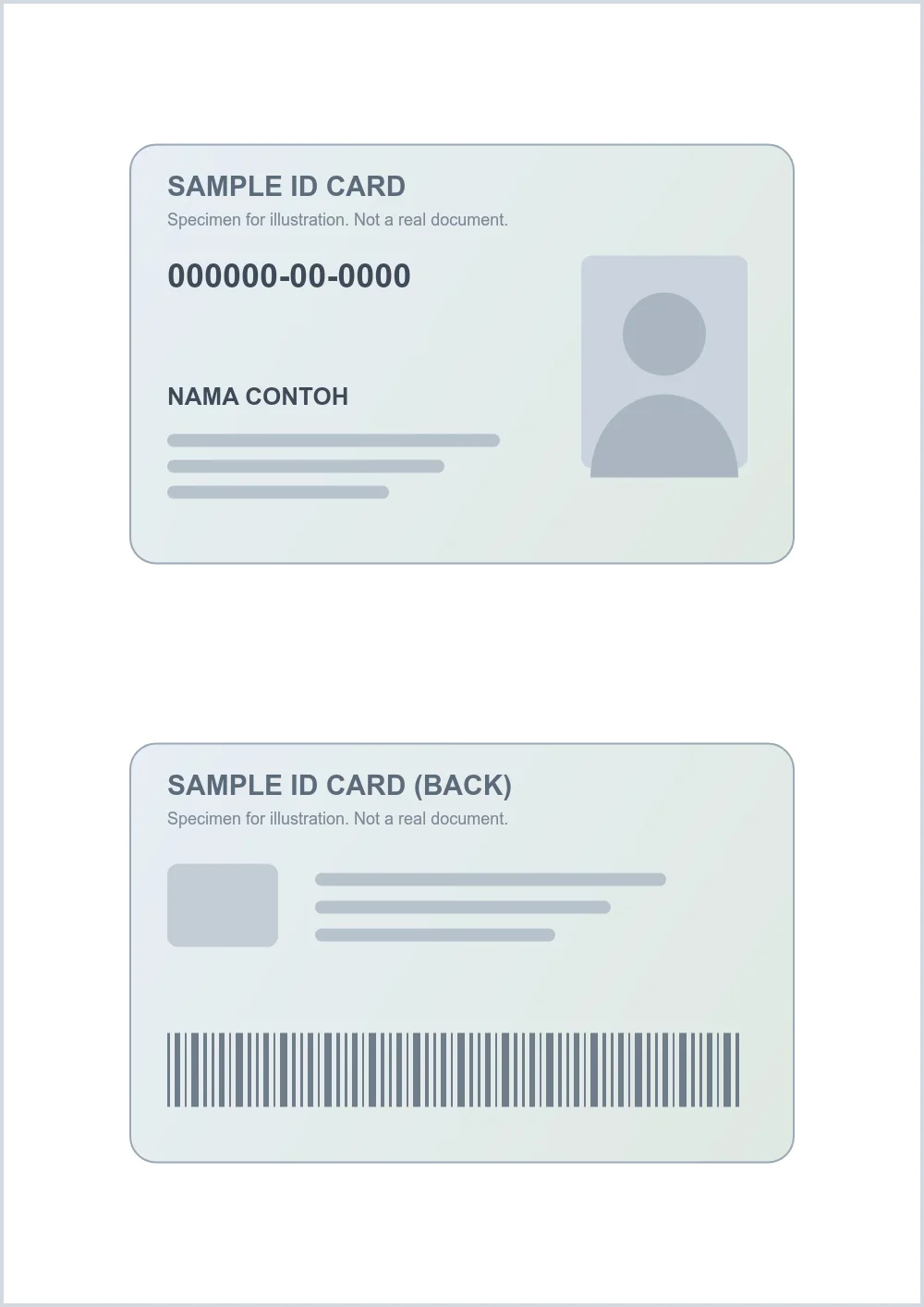
What the finished template looks like
The front sits at the top, the back below it, both centred with white margins around them.
Printing it like a photocopy
- Print on A4 at 100% or Actual size, not "Fit to page".
- The card is enlarged so small print stays readable. If the recipient needs a true-size copy, use a photocopier instead.
- Black and white printing is fine for most uses. Check that the photo and IC number are still clear.
Mark the copy before you send it
If the copy is going to a landlord, employer or shop, you can add cross lines and a purpose such as FOR ABC PROPERTY TENANCY ONLY. Choose Cross lines + purpose text under Copy marking. See a sample crossed IC copy and what to write on it.
Other documents
Related guides
Keep going with nearby workflows that people usually need next.
Cara Buat Salinan IC (Soft Copy) dalam PDF di Telefon
Buat salinan IC depan dan belakang dalam satu PDF guna telefon. Percuma, tanpa mesin fotostat dan gambar IC tidak dimuat naik ke mana-mana.
Read nextCara Pangkah (Cross) Salinan IC Secara Online
Lihat contoh salinan IC yang dipangkah dan apa yang perlu ditulis. Kemudian pangkah salinan IC anda sendiri dan muat turun PDF percuma, tanpa muat naik.
Read nextHow to Cross an IC Copy Online in Malaysia
See a sample crossed IC copy and what to write on the cross. Then add cross lines and purpose text to your own IC and download a PDF free, with no upload.
Read nextHow to Make a Passport Copy PDF on Your Phone
Turn a photo of your passport data page into a clean A4 PDF. Add a second page if needed, mark the copy for its purpose and download free. No upload.
Read nextHow to Make an IC Soft Copy PDF on Your Phone
Create a clean IC or MyKad soft copy as PDF using your phone camera or existing images, with no file upload to Tuko.
Read nextReady to make your PDF?
Use the tool at the top of this page. Your files stay on your device.
Back to the toolIC Photocopy Template: Front and Back on One A4 Page FAQs
Common questions about using our IC Photocopy Template: Front and Back on One A4 Page tool.
Is there a free IC photocopy template?
Yes. The tool on this page is a ready-made A4 template: add the front and back photos and it lays them out with margins, then gives you a PDF to print or send.
Can I print the IC copy after making it?
Yes. Open the PDF and print it on A4 at 100% or Actual size. The card is shown larger than real size so the details stay readable.
Can I make the IC copy on my phone?
Yes. Use the camera buttons in the tool to photograph each side. Everything runs in your phone's browser and nothing is uploaded.
Can I put the front and back on separate pages?
Yes. Change PDF layout to One side per A4 page if the recipient wants each side on its own page.
Related Tools
Need something else?
Explore All 50+ Tools